
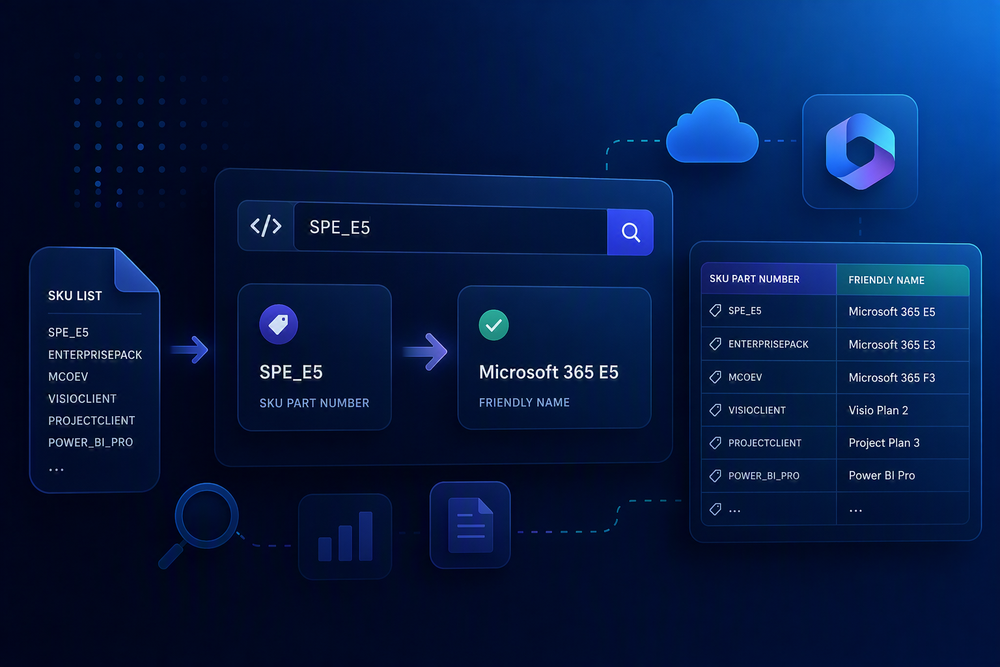
Microsoft 365 licensing data can be surprisingly hard to read once you get outside of the admin center. A license that appears as “Microsoft 365 E5” in the admin center might show up as `SPE_E5` in PowerShell or Microsoft Graph, and sometimes all you have is a GUID.
This tool helps translate those Microsoft 365 license identifiers into something easier to understand.
Use it to quickly look up a license SKU, GUID, product name, or service plan and see the matching friendly name. You can also paste multiple values at once to bulk translate license data from reports, scripts, exports, or tenant audits.
Searches string IDs, GUIDs, and friendly names across both license SKUs and service plans. Results appear as you type.
| Friendly name | String ID | GUID | Type |
|---|
How this works
Microsoft identifies the same license three different ways: a friendly name in the admin center (like Microsoft 365 E5), a string ID in PowerShell and Graph output (like SPE_E5), and a GUID (like 06ebc4ee-1bb5-47dd-8120-11324bc54e06). This tool translates between all three, in either direction.
It covers both top-level license SKUs and the individual service plans inside them, using Microsoft's published licensing reference (619 products and 796 service plans). Everything runs in your browser from data embedded in this page. Nothing is sent anywhere.
Data from Microsoft's product names and service plan identifiers reference. Not affiliated with or endorsed by Microsoft.